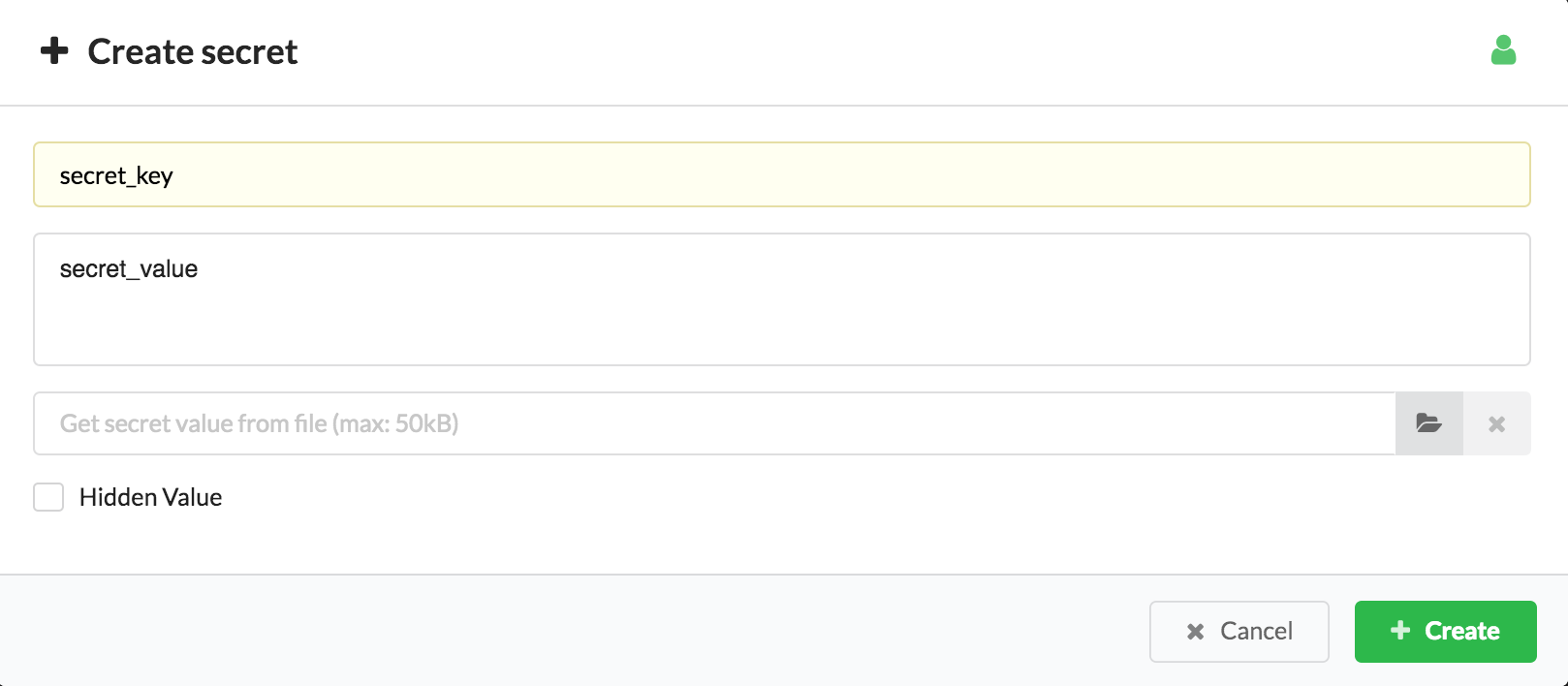
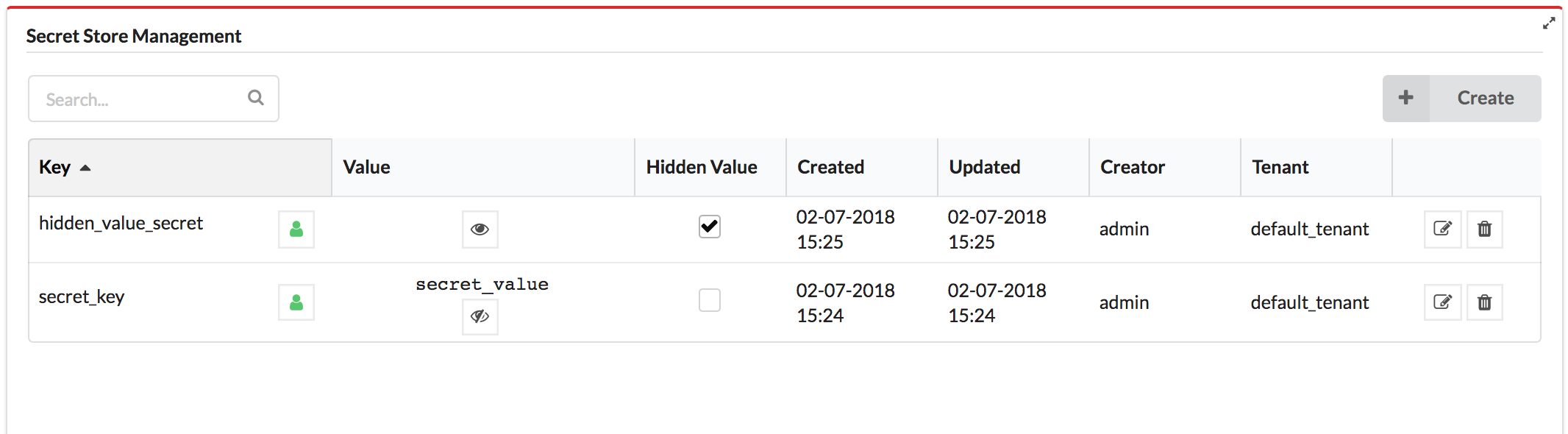
The secrets store provides a secured variable storage (key-value pairs)
for data that you do not want to expose in plain text in F5 VNFM
blueprints, such as login credentials for a platform. The values of the
secrets are encrypted in the database. We use the Fernet encryption of
cryptography library, which is a symmetric encryption method that makes
sure that the message encrypted cannot be manipulated/read without the
key. When you create a secret, the key value can be a text string or it
can be a file that contains the key value. The secret store lets you
make sure all secrets (for example credentials to IaaS environments) are
stored separately from blueprints, and that the secrets adhere to
isolation requirements between different tenants. You can include the
secret key in your blueprints and not include the actual values in the
blueprints. For more information, see the get_secret intrinsic function.
All the values of the secrets are encrypted in the database. When you
create a secret you can specify if you want its value to be hidden or
not. A secret with a hidden value means the value is only shown to the
user who created it, tenant managers and sys-admins. Users can use the
secret according to the user roles and the visibility of the secret.
Only the creator of the secret, a sys-admin or a tenant manager of the
tenant the secret is stored on can see, update or delete the secret with
a hidden value (unlike a secret with a shown value which other users in
the tenant can also update or delete).
get_secret is used for referencing secrets described in the
Secrets API. get_secret
can be used in node properties, outputs, node/relationship operation
inputs, and runtime-properties of node instances. The function is
evaluated at runtime.
Example
node_templates:host:type:cloudify.nodes.Compute properties:ip:{get_secret:ip}cloudify_agent:key:{get_secret:agent_key}user:{get_secret:user}interfaces:test_interface:test_operation:implementation:central_deployment_agent inputs:operation_input:{get_secret:operation_input}outputs:webserver_url:description:Web server url value:{concat:[‘http://’,{get_secret:ip},‘:’,{get_secret:webserver_port}]}
In this example, get_secret is used for completing several of the host
node’s properties, as well as an operation input. In addition, it is
used twice in the concatenated webserver_url output.