Part I. Review and prepare UDF Openstack environment
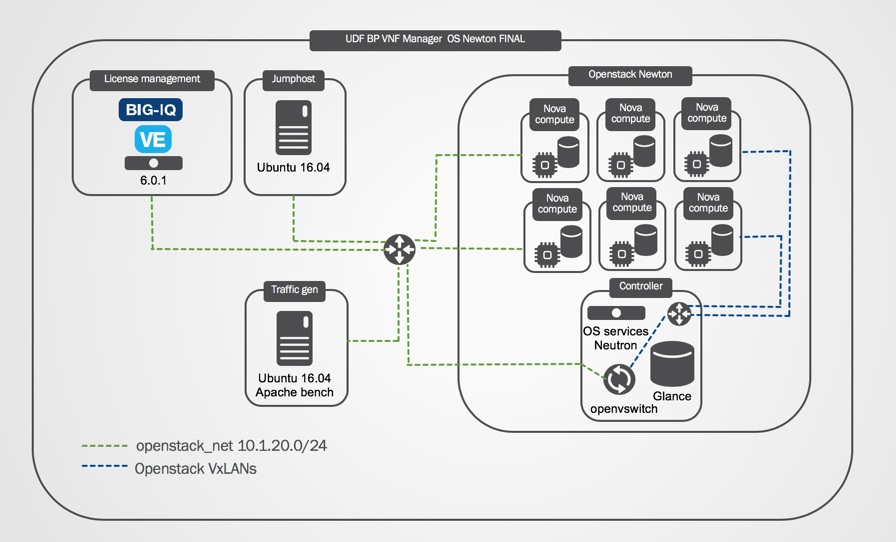
UDF blueprint for VNF manager lab has been created with Openstack Newton ( community equivalent of RH OSP 10). Due to UDF specifics, parts of networking config need to be re-created for each deployment. In order to successfully use VNF manager lab you will need to run the specified script and review network configuration inside the Openstack
- Blueprint setup
- Credentials
- Start UDF Environment
- Review Openstack configuration
- Verify BIG-IQ route
Blueprint setup
Credentials
| Blueprint component | username/password |
|---|---|
| BIG-IQ TMUI | admin/admin |
| BIG-IQ SSH | root/default |
| jumphost xRDP | ubuntu/ravelloCloud |
| Openstack Horizon UI | f5admin/f5admin |
| VNFmanager VM | admin/admin |
| BIG-IP VMs TMUI | admin/admin |
| BIG-IP VMs SSH | root/default |
| Openstack CLI(controller) | sudo -i;source keystonerc_f5admin |
| keystone | f5admin/f5admin |
Start UDF environment
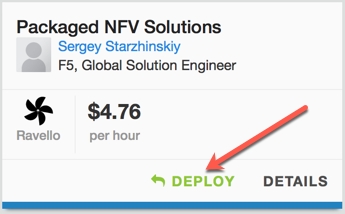
- Deploy “Packaged NFV Solutions” blueprint and start it Southwest(Arizona) or East(Virginia) Ravello region
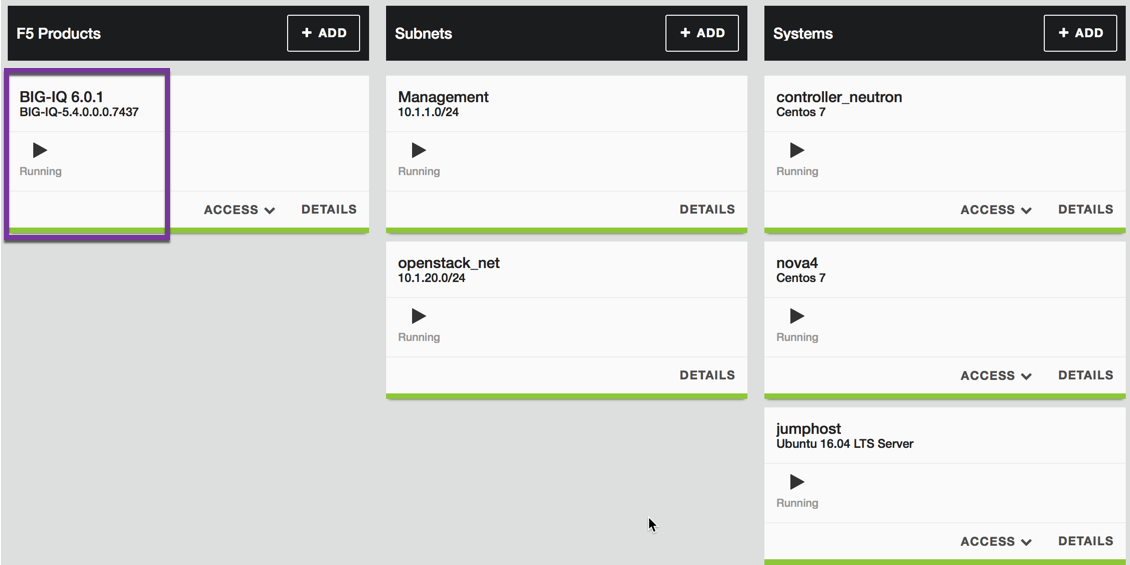
- Wait until all components are in “Running” state. BIG-IQ usually boots last
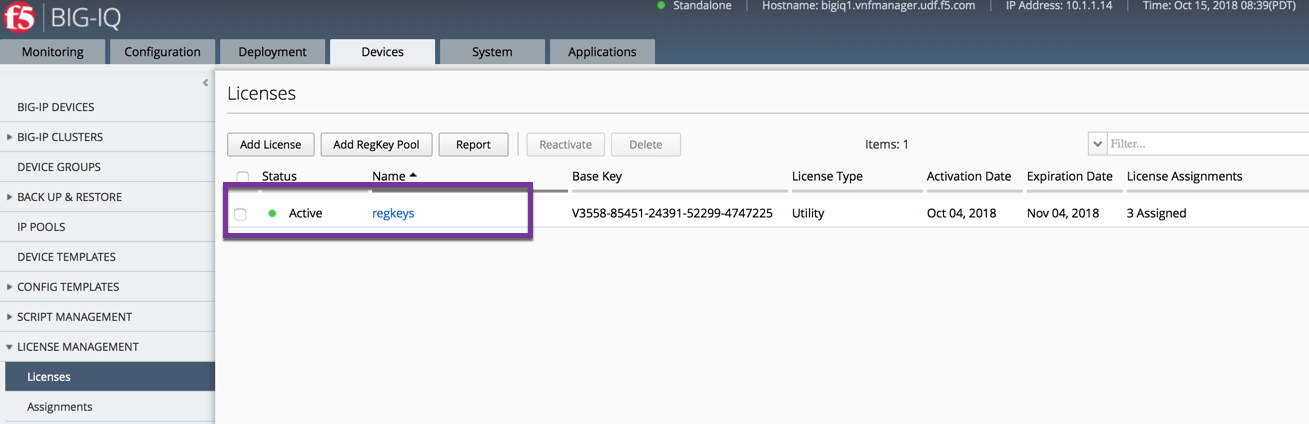
- Login to BIG-IQ TMUI and ensure “regkeys” licenses are present and unexpired
Warning
Wait at least 5 minutes to allow Openstack Services to come up before running the script
- xRDP to jumphost and run “run_this_first.sh” script
Note
When prompted, choose to run the script in Terminal
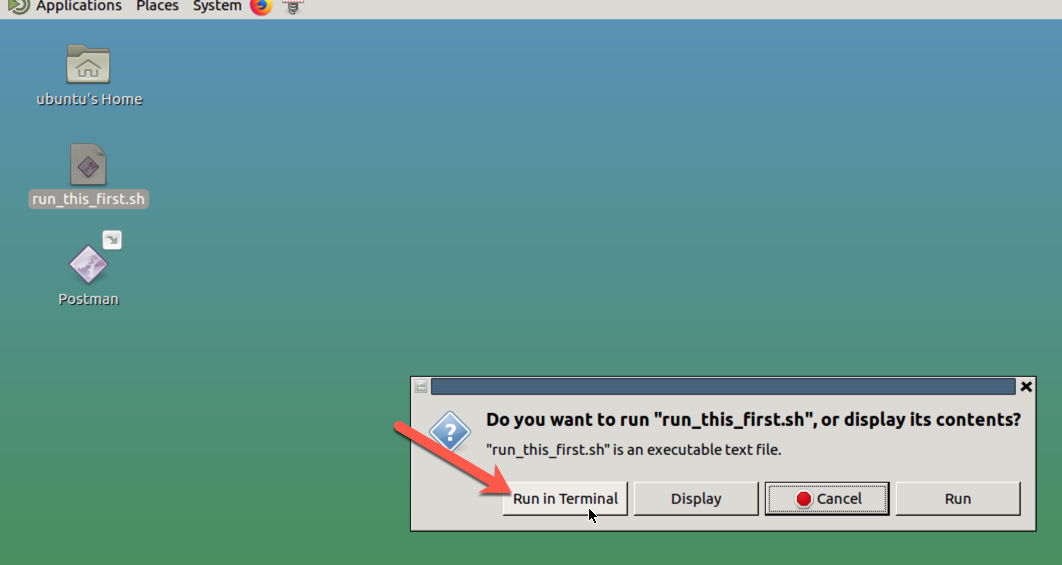
Note
Script performs the following: Creates extnet Openstack network and 2 Routers with corresponding interfaces; starts rabbitmq-server on controller node; forces Nova service to register compute nodes with new hostnames and creates necessary routes on jumphost and BIG-IQ VMs
- Point Firefox browser to Openstack Horizon Dashboard at http://10.1.20.4/
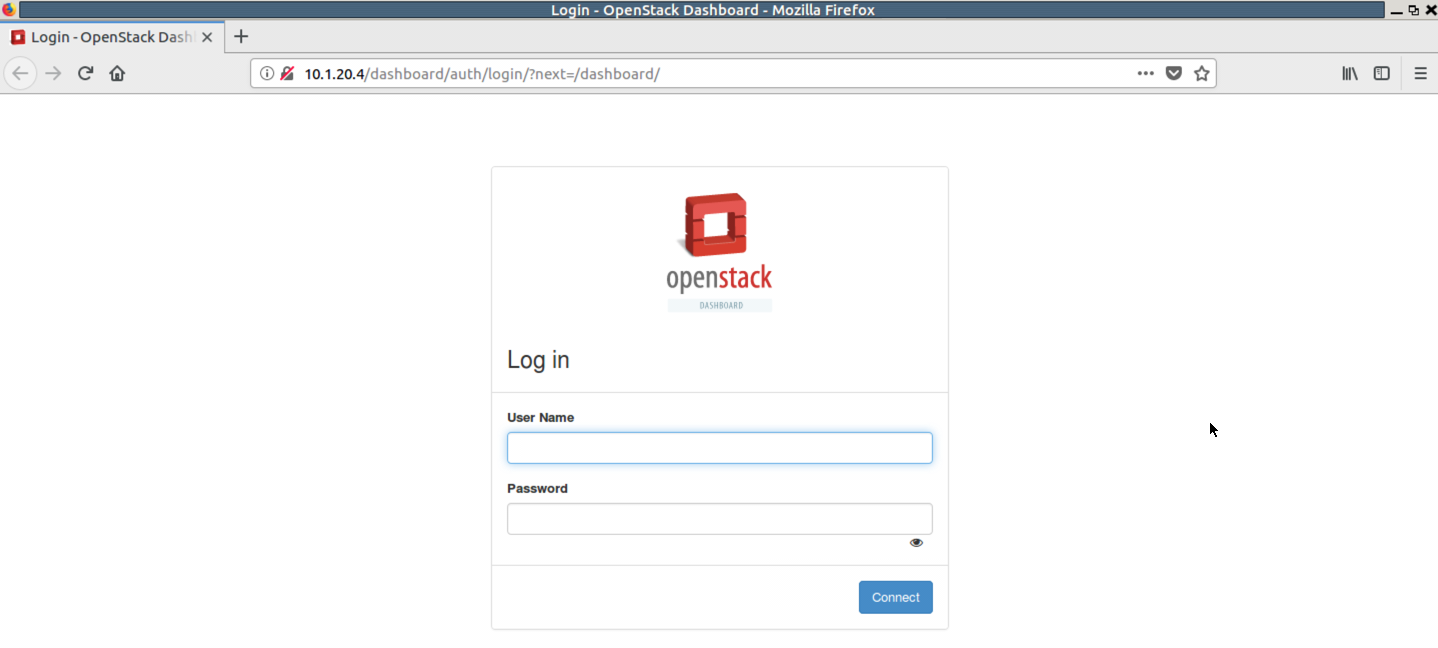
- Login with f5admin user
Review Openstack configuration
The private cloud environment (for example, OpenStack) must have the following administrative components defined PRIOR to deploying F5 VNFM. (Click the following links to learn more about using the latest version of OpenStack, or refer to the documentation specific to the version you are using.)
Note
Openstack in this blueprint has been pre-configured and no action is required. Review table below and compare it to components found in Openstack Horizon Dashboard.
| Component | Description |
|---|---|
| Flavors (Admin->Flavors) | Defined flavors sized to accommodate the VNFM component images. BIG-IP VEs use m1.large flavor:
|
| Networks (Project->Network) | The following networks and one subnet for each, defined with sufficient IP address space in each network have been created:
|
| Security Groups (Project->Compute->Access and Security) | The following security groups created:
|
| Key Pair (Project->Compute->Access and Security) | Defined key pairs for accessing VNFM instance remotely, using SSH. |
| Router (Project->Network->Routers) | Created 2 routers with interfaces into VxLANs (router1 is connected to extnet) |
Verify BIG-IQ route
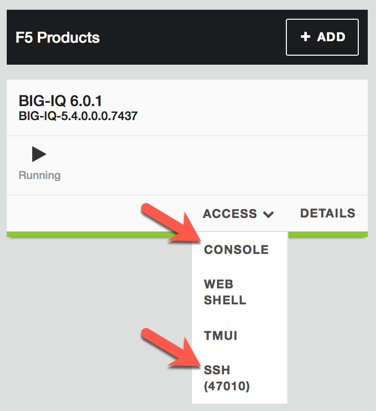
Open UDF Console or SSH(47010) to BIG-IQ and confirm that route to 10.1.40.0/24 network is present and network is reachable. Gateway IP is unique for each deployment and depends on Openstack Router interface extnet IP
[root@bigiq1:Active:Standalone] config # tmsh list net route
net route openstack {
gw 10.1.20.105
network 10.1.40.0/24
}
[root@bigiq1:Active:Standalone] config # ping 10.1.40.1
PING 10.1.40.1 (10.1.40.1) 56(84) bytes of data.
64 bytes from 10.1.40.1: icmp_seq=1 ttl=64 time=7.18 ms
64 bytes from 10.1.40.1: icmp_seq=2 ttl=64 time=3.53 ms
64 bytes from 10.1.40.1: icmp_seq=3 ttl=64 time=3.66 ms
64 bytes from 10.1.40.1: icmp_seq=4 ttl=64 time=3.05 ms
^C
--- 10.1.40.1 ping statistics ---
4 packets transmitted, 4 received, 0% packet loss, time 3558ms
rtt min/avg/max/mdev = 3.056/4.359/7.180/1.644 ms
Note
If BIG-IQ doesn’t show a valid route into .40 subnet, run the “run_this_first.sh” script again and seek assistance before proceeding further
What’s Next?